
Scopriamo insieme le basi dell'informatica! L'informatica non è solo quella...
 Informatica680 views·Updated Jun 25, 2026·46 pages
Fondamenti di Informatica: Guida Introduttiva

Giorgia@gioggi4a_aaaaaaa
1 / 10
1
of 10
L'informatica e il funzionamento dei computer
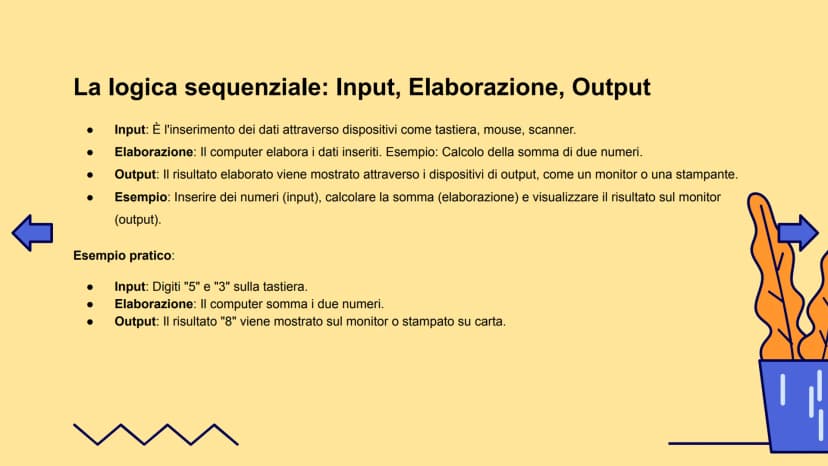
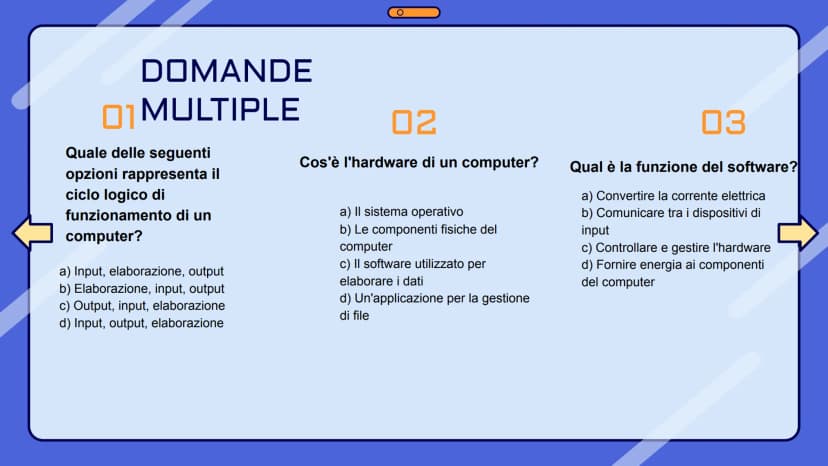
Ogni volta che accendi il computer, si mette in moto un processo logico sequenziale semplice ma geniale. Pensa a quando fai una ricerca su Google: prima digiti quello che cerchi (input), poi il computer elabora la tua richiesta (elaborazione), e infine ti mostra i risultati sullo schermo (output).
Questo ciclo di input-elaborazione-output è alla base di tutto quello che fa un computer. Quando giochi a un videogame, premi i tasti del controller (input), il computer calcola cosa deve succedere (elaborazione), e tu vedi i movimenti del tuo personaggio sullo schermo (output).
💡 Ricorda: Questo ciclo funziona sempre nello stesso ordine, proprio come una ricetta che devi seguire passo dopo passo!
2
of 10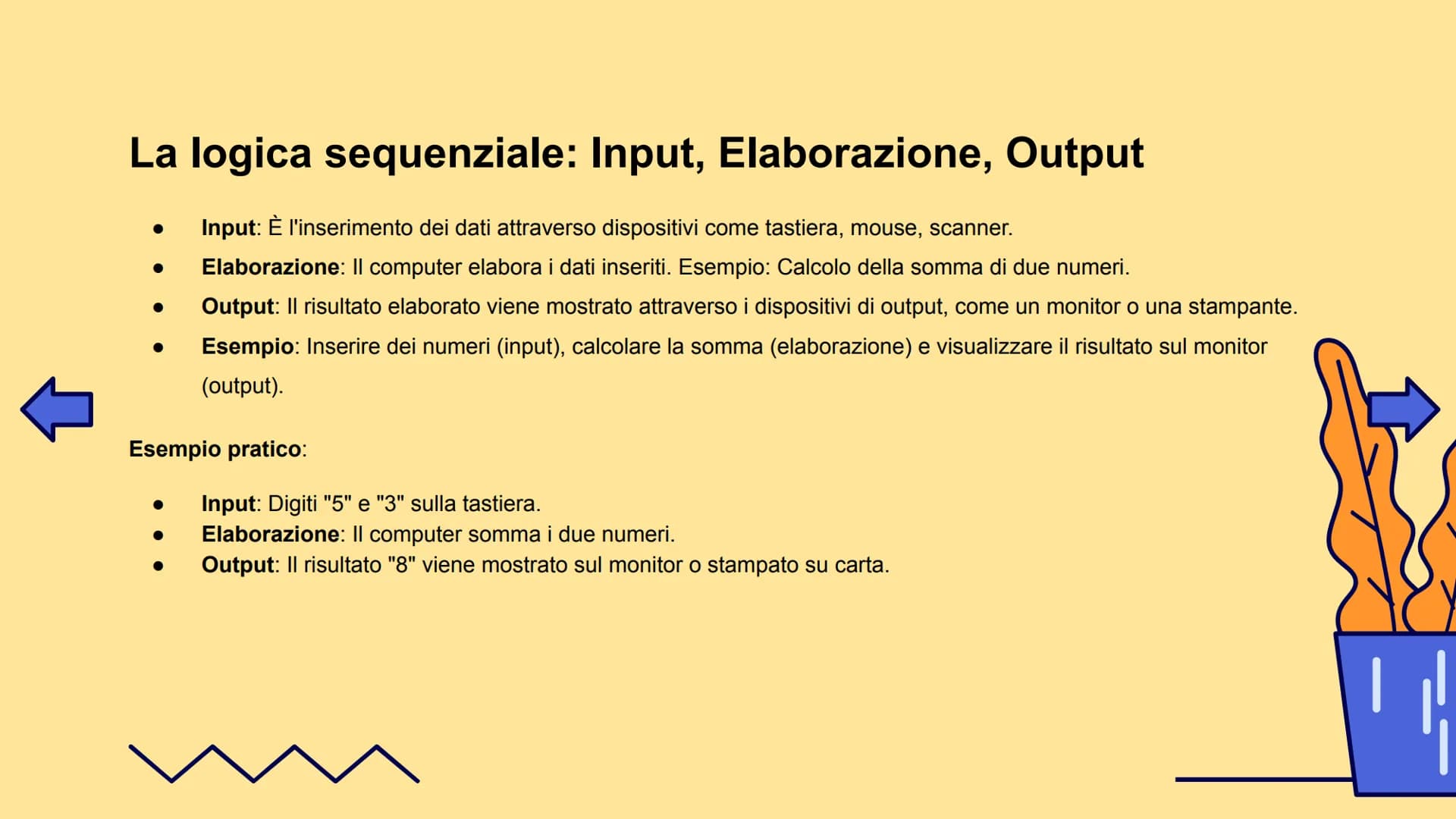
Hardware: tutto quello che puoi toccare
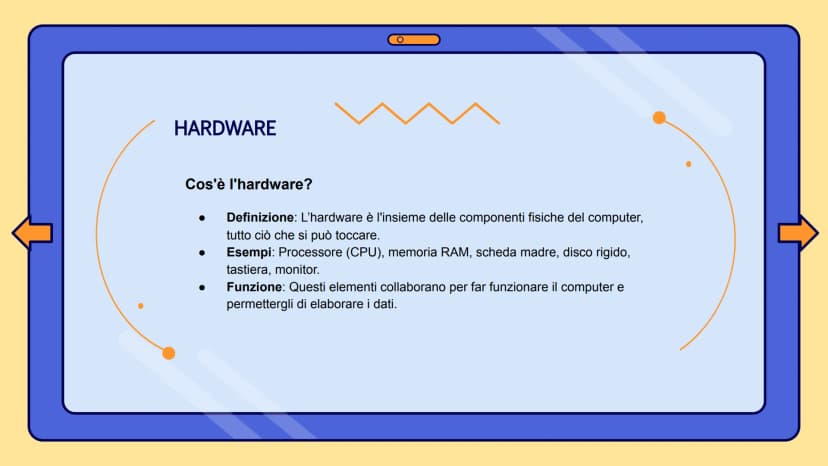
L'hardware è semplicemente tutto quello che puoi toccare del tuo computer. Se riesci a toccarlo con le mani, è hardware! Il processore (CPU) è come il cervello del computer, la memoria RAM è dove vengono conservate temporaneamente le informazioni mentre lavori, e la scheda madre collega tutto insieme.
Pensa al tuo smartphone: lo schermo, i pulsanti, la fotocamera, la batteria... tutto questo è hardware. Anche la tastiera su cui scrivi e il mouse che usi sono componenti hardware.
Tutte queste parti devono collaborare perfettamente tra loro, proprio come gli organi del tuo corpo. Se anche solo una parte si rompe, tutto il sistema può smettere di funzionare correttamente.
💡 Trucco per ricordare: Se puoi toccarlo = Hardware. Se non puoi toccarlo = Software!
3
of 10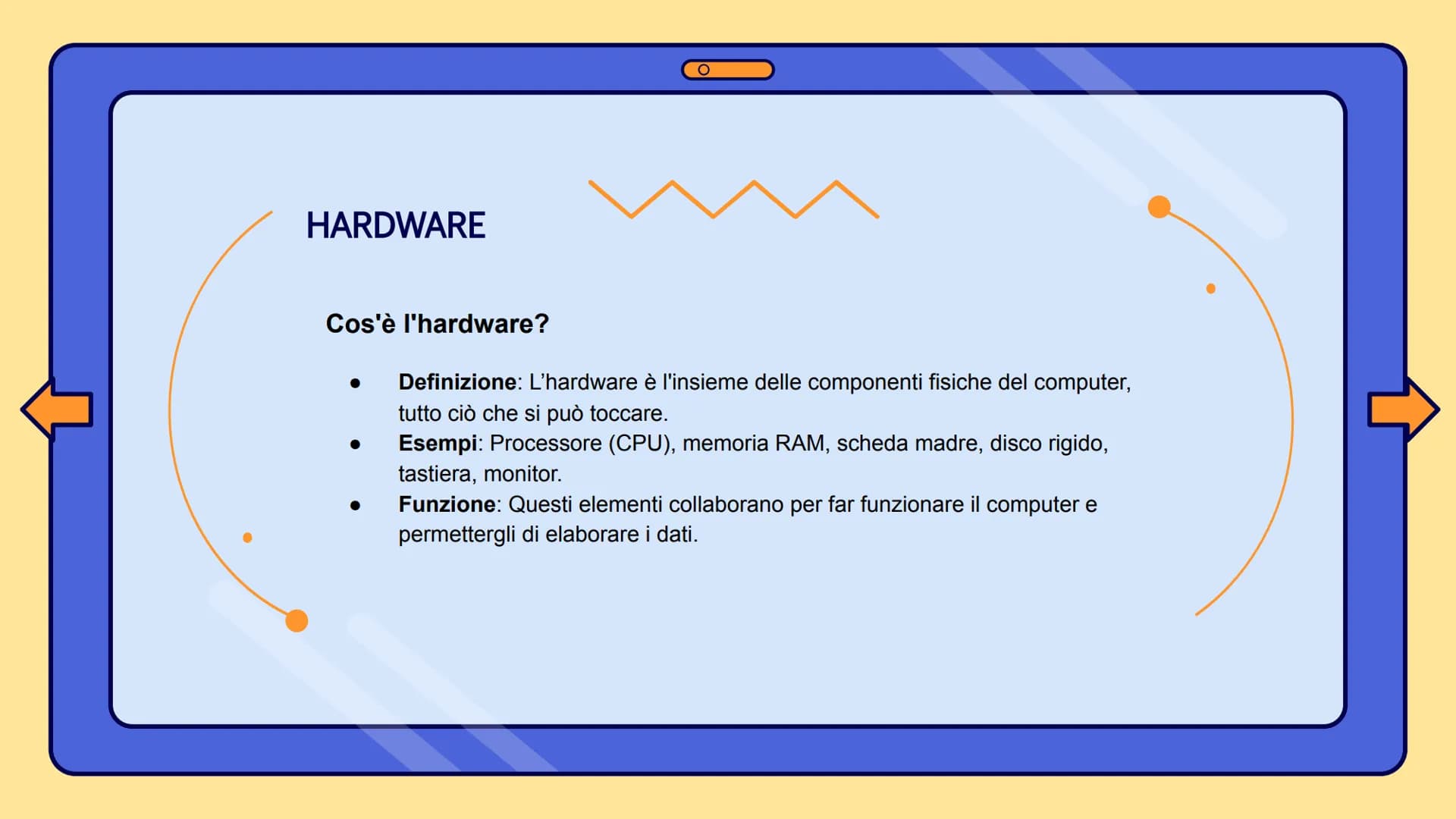
Software: la mente del computer
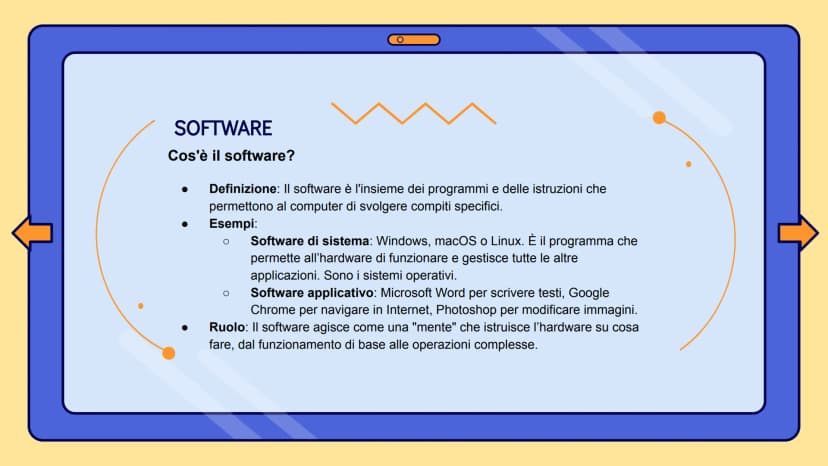
Il software è l'insieme di tutti i programmi che fanno funzionare il tuo computer. È come l'anima del computer: senza software, l'hardware sarebbe solo un pezzo di metallo e plastica inutile.
Esistono due tipi principali di software. Il software di sistema include sistemi operativi come Windows, macOS o Linux: sono i programmi che permettono al computer di "accendersi" e funzionare. Il software applicativo invece include tutti i programmi che usi: WhatsApp, Instagram, Word, Chrome.
Il software è come un direttore d'orchestra: dice all'hardware cosa fare e quando farlo. Quando apri Spotify, il software dice al processore di elaborare la musica, alla scheda audio di riprodurla, e agli altoparlanti di farla sentire.
💡 Pensa così: L'hardware è come un'auto, il software è come il pilota che la guida!
4
of 10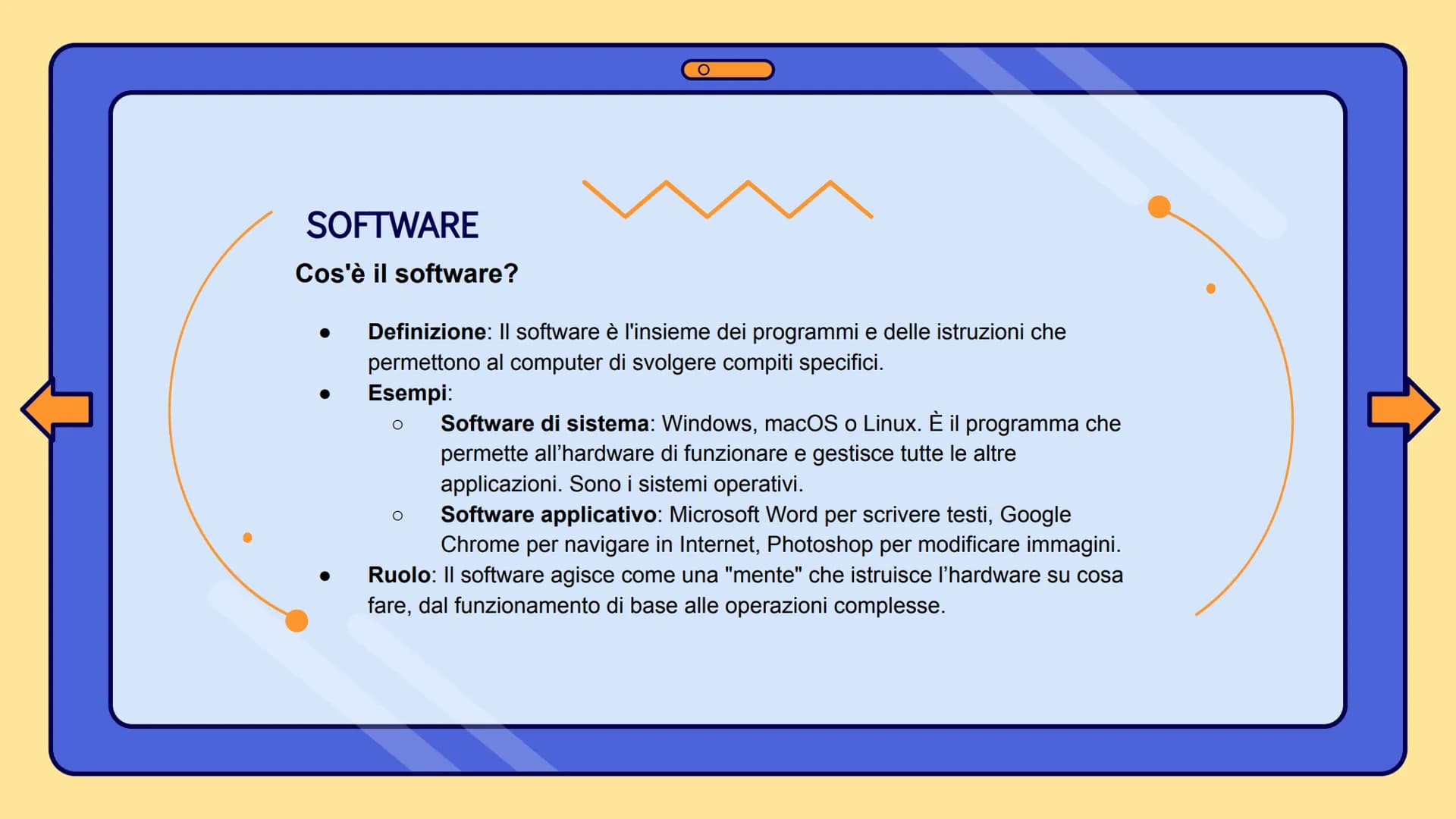
Periferiche di Input: come "parli" al computer
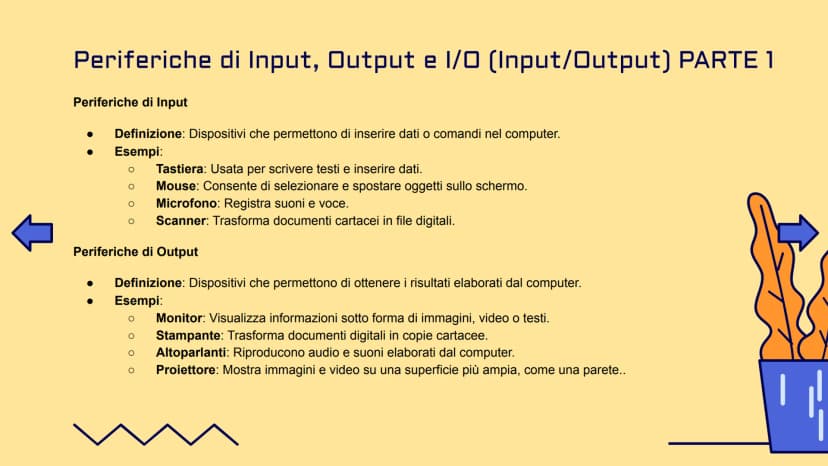
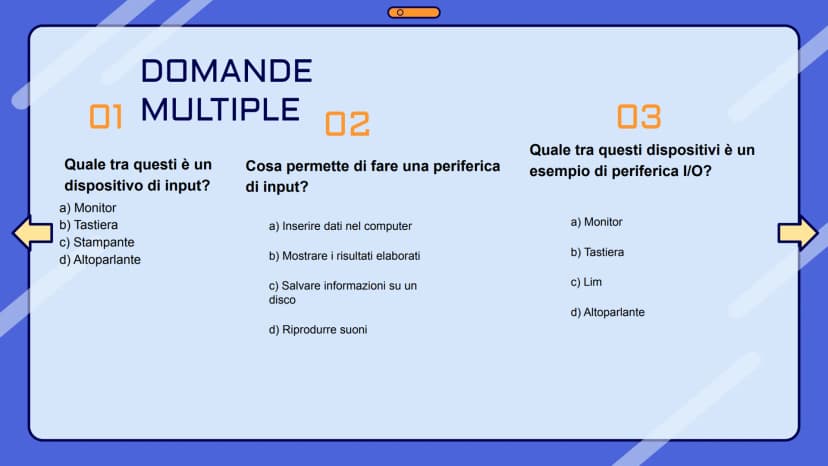
Le periferiche di input sono tutti quei dispositivi che ti permettono di comunicare con il computer. La tastiera è probabilmente quella che usi di più: ogni volta che scrivi un messaggio o fai una ricerca, stai usando una periferica di input.
Il mouse ti permette di cliccare, trascinare e selezionare cose sullo schermo. Il microfono cattura la tua voce quando registri un audio o fai una videochiamata. Lo scanner trasforma fogli di carta in file digitali che puoi salvare sul computer.
Pensa anche al tuo smartphone: quando tocchi lo schermo, usi la fotocamera, o parli al telefono, stai sempre usando periferiche di input. Sono il tuo modo di "dare ordini" al dispositivo.
💡 Regola d'oro: Se tu dai qualcosa al computer (testo, click, voce), è input!
5
of 10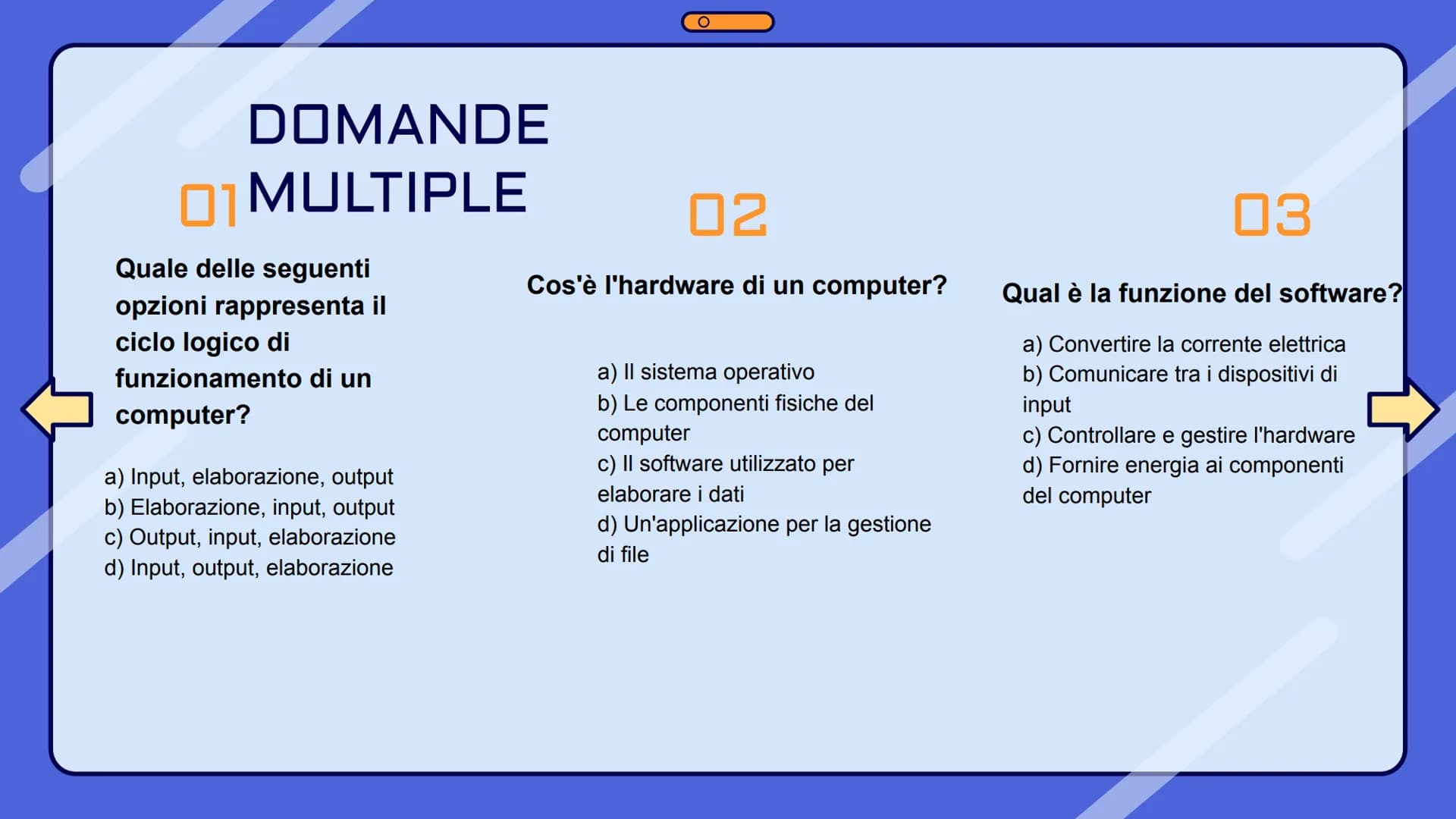
Periferiche di Output e I/O: come il computer ti "risponde"
Le periferiche di output sono il modo in cui il computer ti fa vedere i risultati del suo lavoro. Il monitor ti mostra tutto quello che succede: video, foto, testi, giochi. La stampante trasforma i tuoi documenti digitali in fogli di carta che puoi toccare.
Gli altoparlanti riproducono musica, suoni dei giochi, e audio dei video. Il proiettore ingrandisce le immagini del computer su una parete, perfetto per presentazioni o per guardare film.
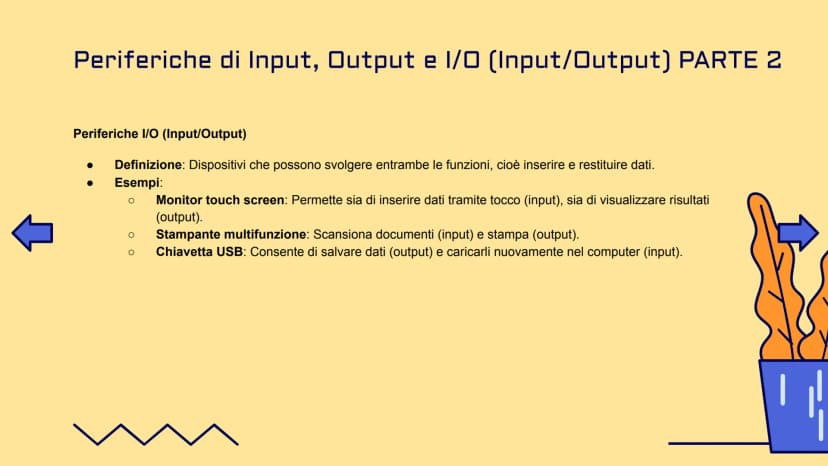
Le periferiche I/O sono speciali perché fanno entrambe le cose! Il monitor touch screen ti mostra le cose (output) ma puoi anche toccarlo per dare comandi (input). Una stampante multifunzione stampa (output) ma può anche scansionare documenti (input).
💡 Trucco: Input = tu dai al computer, Output = il computer dà a te, I/O = entrambi!
6
of 10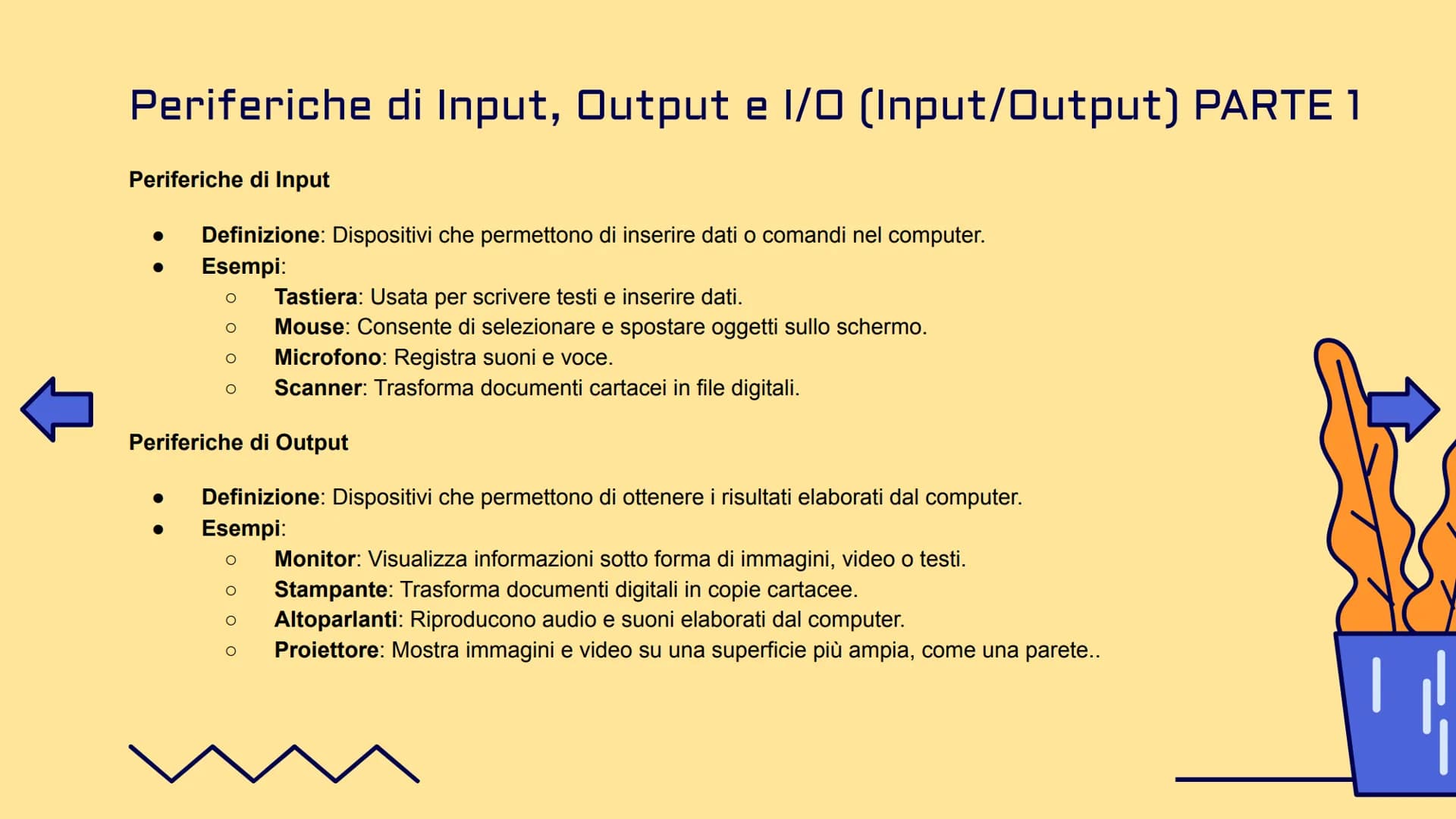
Informatica, dati e informazioni
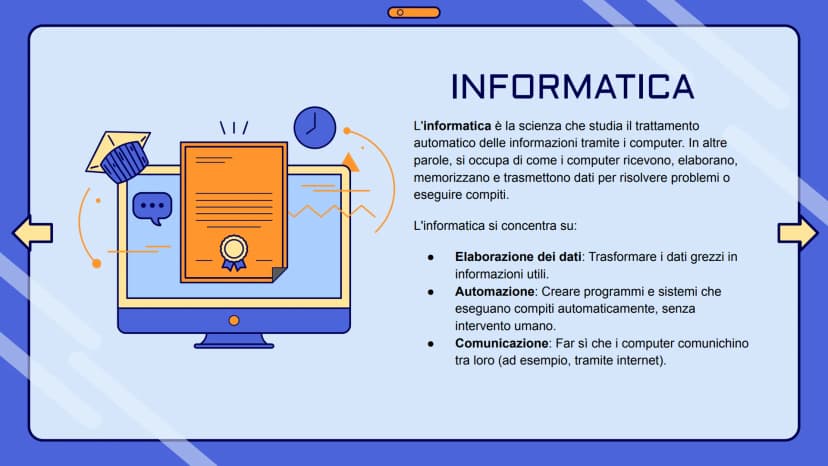
L'informatica è la scienza che studia come i computer elaborano le informazioni automaticamente. Non si occupa solo di computer, ma di tutto ciò che riguarda l'elaborazione dei dati, l'automazione dei compiti, e la comunicazione tra dispositivi.
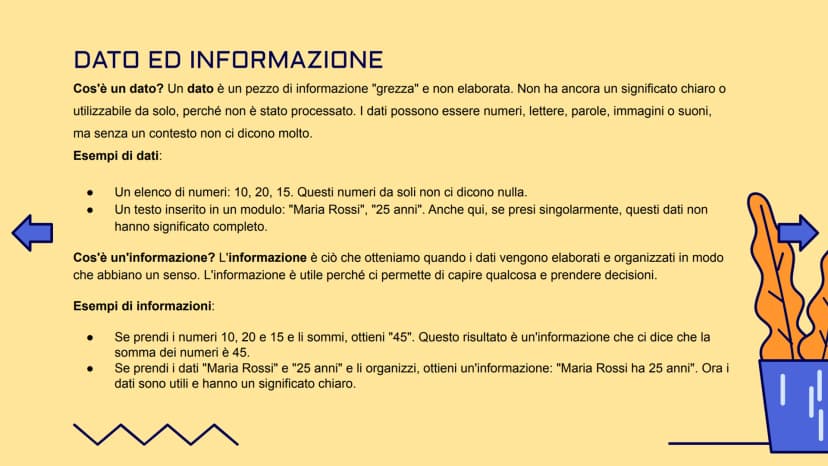
Un dato è come un ingrediente grezzo in cucina: da solo non ti dice molto. I numeri "10, 20, 15" sono solo numeri senza significato. Un'informazione è quello che ottieni quando "cucini" questi dati: se sommi quei numeri ottieni "45", e questa è un'informazione utile.
Quando inserisci "Maria Rossi" e "25" in un modulo, questi sono dati separati. Ma quando il computer li elabora e ti dice "Maria Rossi ha 25 anni", quello è diventato informazione utile che puoi usare.
💡 Pensa così: Dati = ingredienti grezzi, Informazioni = piatto cucinato e pronto da mangiare!
7
of 10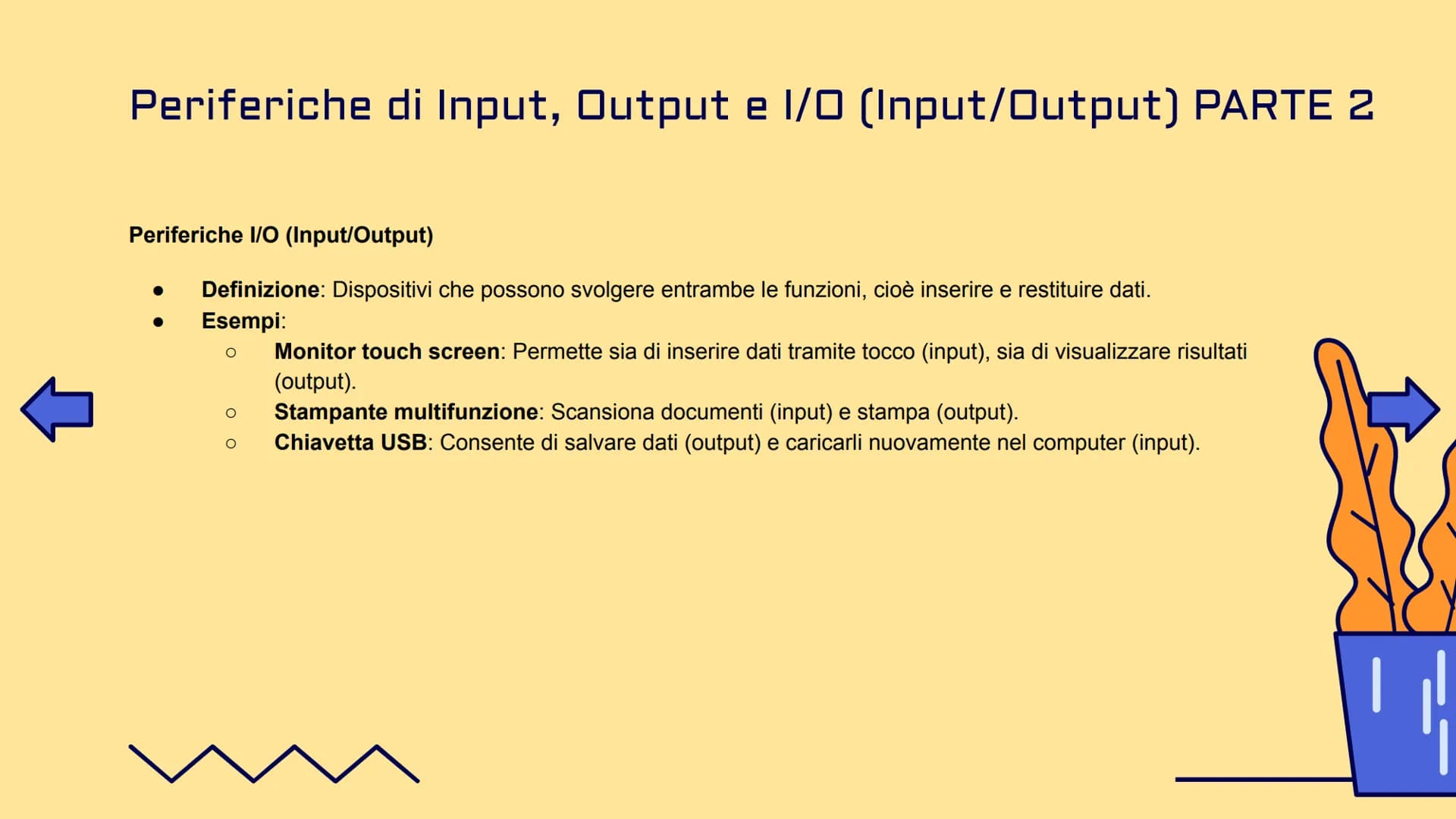
8
of 10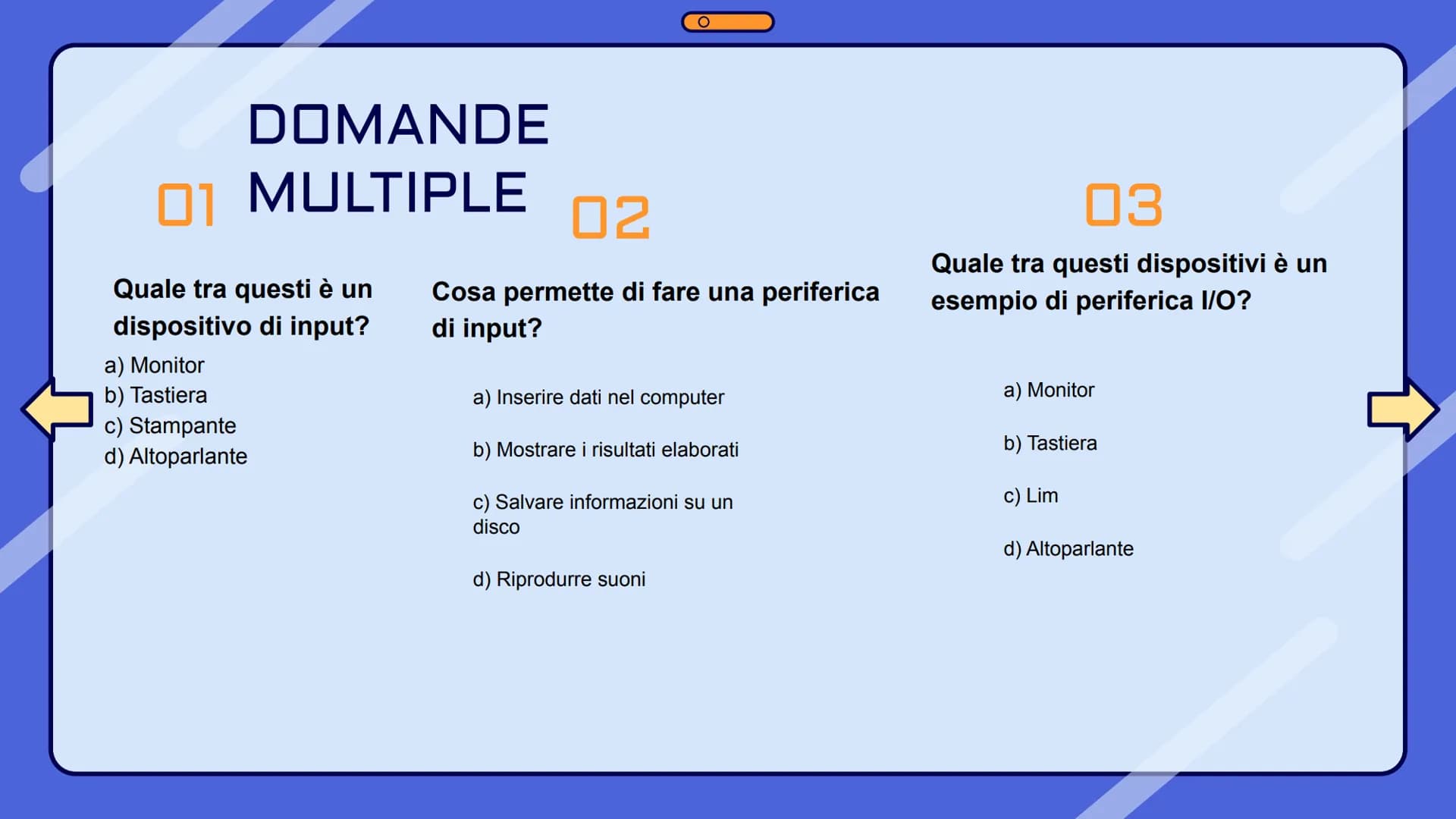
9
of 10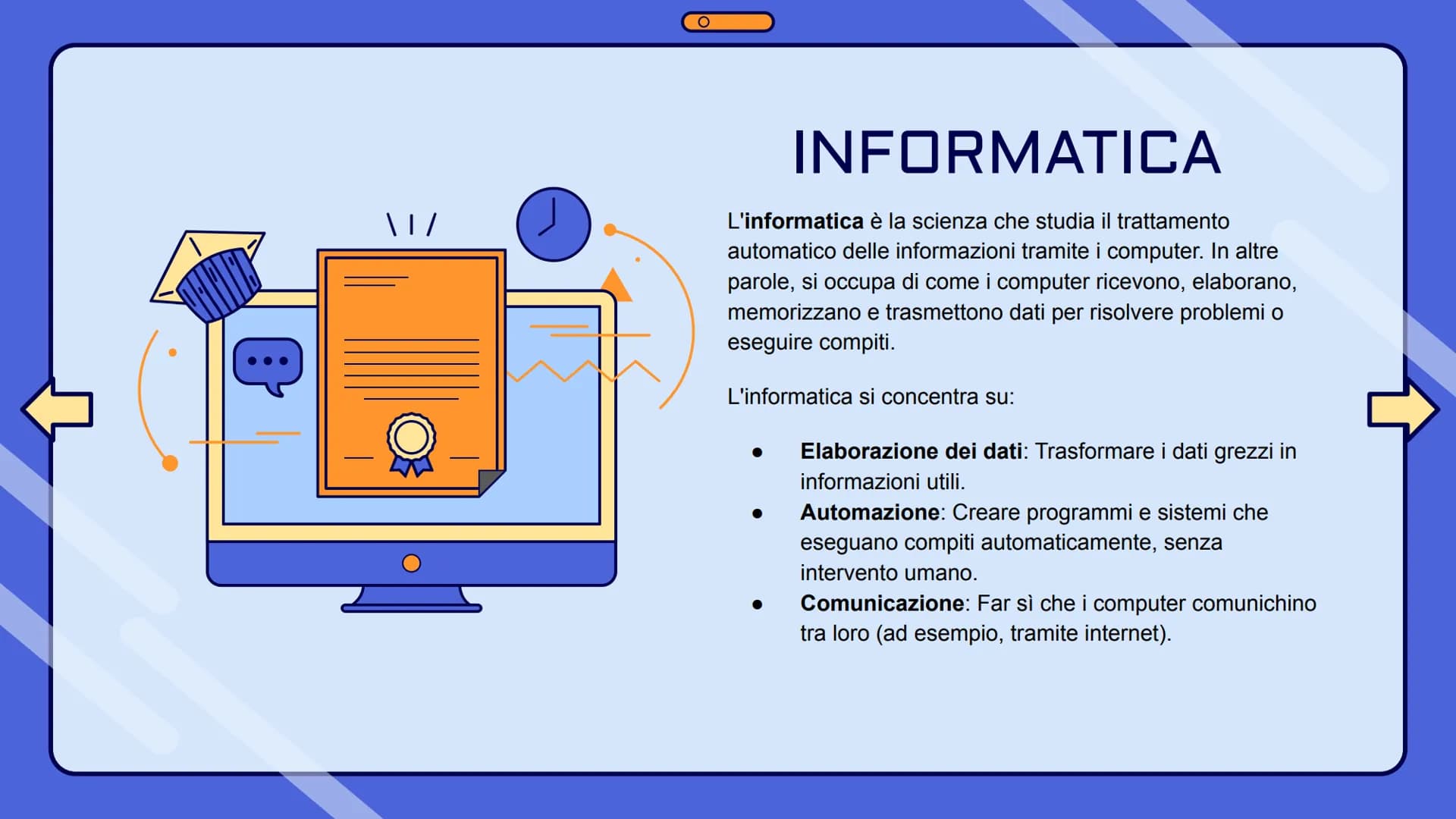
10
of 10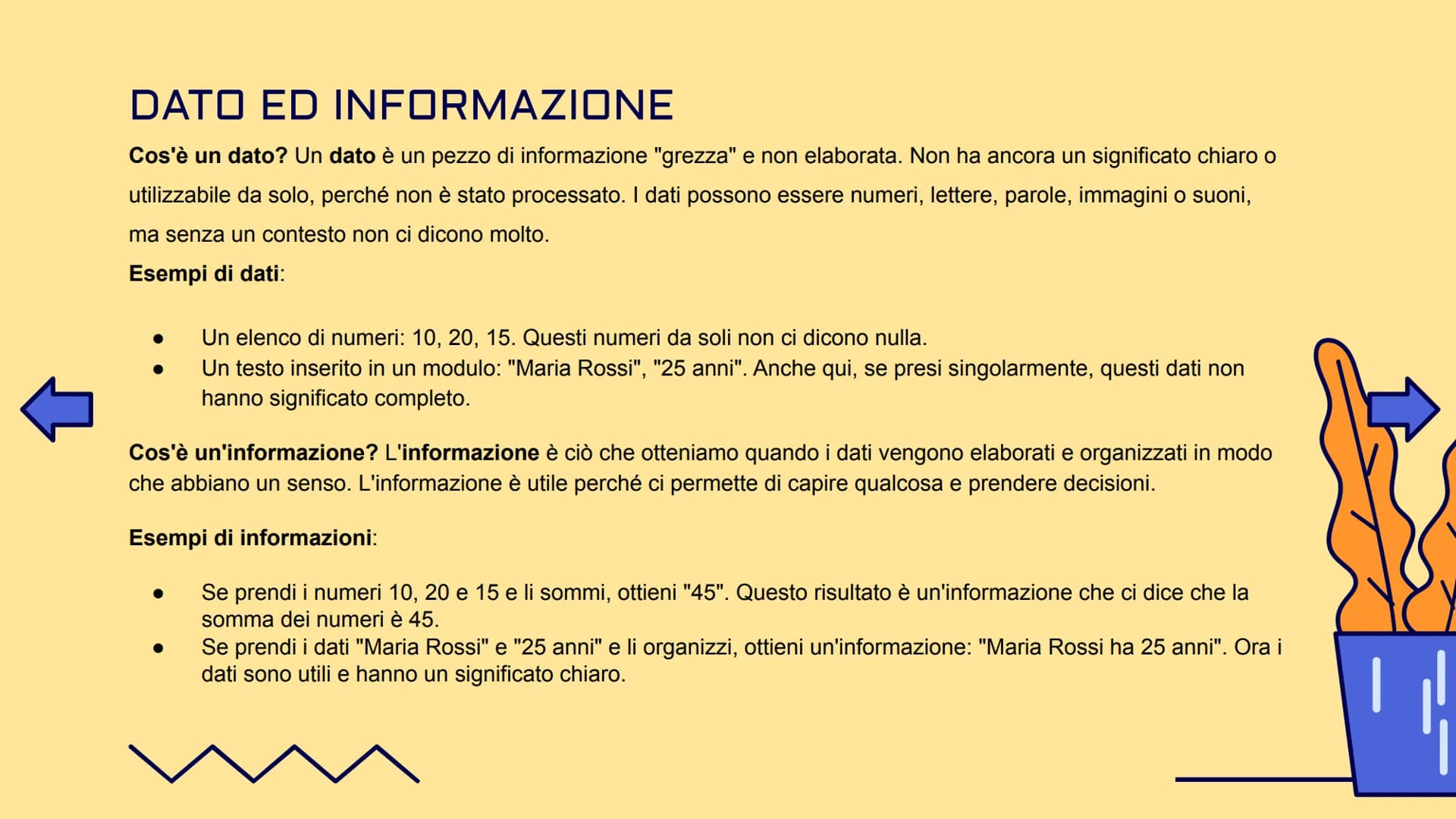
We thought you’d never ask...
What is the Knowunity AI companion?
Our AI companion is specifically built for the needs of students. Based on the millions of content pieces we have on the platform we can provide truly meaningful and relevant answers to students. But its not only about answers, the companion is even more about guiding students through their daily learning challenges, with personalised study plans, quizzes or content pieces in the chat and 100% personalisation based on the students skills and developments.
Where can I download the Knowunity app?
You can download the app in the Google Play Store and in the Apple App Store.
Is Knowunity really free of charge?
That's right! Enjoy free access to study content, connect with fellow students, and get instant help – all at your fingertips.
Similar Content
Most popular content: sistema informatico
9InformaticaInformatica 1
Primi argomenti di informatica della prima superiore, Architettura di VON NEUMANN, Hardware software, Il case e la scheda madre, Periferiche e schede e porte di comunicazione, l’unità centrale di elaborazione e la memoria centrale, la memoria RAM…..
1ªl69028
InformaticaLa struttura del Computer
Powerpoint sulla struttura del computer.
3ªl4,364270
InformaticaI sistemi operativi
I sistemi operativi.
1ªl1,37833
InformaticaIL SISTEMA OPERATIVO
Presentazione riguardo il sistema operativo, le sue competenti, la storia del computer, i virus, i browsers e tanto altro
1ªl8,819241
InformaticaSoftware e Hardware
Informatica
1ªl1,96032
InformaticaHardware & software
Riassunto hardware e software
1ªl4729
InformaticaCos'è L'informatica, software e hardware ~ riassunto
ecco a voi un riassunto su Cos'è L'informatica, l'algoritmo, software e hardware, le memorie ecc...
1ªl18,4661,458
InformaticaSistemi di Architettura e Von Neumann
Sistemi di elaborazione digitale e il computer
2ªl7696
Informaticasoftware
software di base, software applicativo....
1ªl97625
Most popular content in Informatica
9S
InformaticaStranger Things
Quanto Ne Sai Sulla Fantastica Serie Netflix Stranger Things??
1ªm6309
InformaticaSegnali integrativi
Appunti patente
3ªl2,51158
InformaticaDiagrammi di flusso
Appunti per ripasso dei diagrammi di flusso (flowchart); Introduzione ai blocchi, condizione e iterazioni (WHILE e DO WHILE);
1ªl2,27840
InformaticaProgrammazione in C
Appunti chiave per programmare in C
1ªl1,99570
Informaticail romanico
elementi del romantico
2ªm2,943100
InformaticaEXCEL
riferimenti, funzioni (SE, CONTA.SE, CONFRONTA, CERCA.VERT, SOMMA.SE, MAX e MIN, E), copia e incolla, riempimento automatico, subtotali
1ªl2,87384
InformaticaComposti chimici inorganici
Composti chimici inorganici + nomenclatura
1ªl1,27746
InformaticaInformatica 1
Primi argomenti di informatica della prima superiore, Architettura di VON NEUMANN, Hardware software, Il case e la scheda madre, Periferiche e schede e porte di comunicazione, l’unità centrale di elaborazione e la memoria centrale, la memoria RAM…..
1ªl69028
Informaticareti informatiche
le reti informatiche, cosa sono, come funzionano e le sue caratteristiche
5ªl3,07662
Most popular content
9 Italiano
Riassunto patente B
Riassunto patente B - appunti presi a lezione
5ªl29,242943
 Altro
AltroTeoria patente b
Tutti gli argomenti per la patente
1ªl21,138685
 Ed. civ.
Teoria patente di guida B: Segnali stradali
Segnali stradali di pericolo, luminosi, di prescrizione, di indicazione, temporanei, complementari, pannelli integrativi, segnaletica orizzontale, segnalazioni agenti del traffico, distanza di visibilità per l‘arresto, minima di sicurezza.
5ªl40,0421,645
 Filosofia
Aristotele
Aristotele: vita, metafisica, fisica, etica e politica, retorica e poetica
3ªl7,623216
ItalianoI promessi sposi
Riassunti completi di tutti i 38 capitoli dei Promessi sposi.
2ªl14,090314
AltroPATENTE
schemi per esame teorico della patente
Università22,067756
S
ItalianoSintesi finale di Analisi logica
Esercitazione completa di analisi logica su frasi articolate per consolidare la conoscenza di tutti i complementi.
3ªm5,5290
P
 Inglese
Present Simple vs Present Continuous
Develop the ability to choose correctly between the Present Simple for habits and the Present Continuous for ongoing actions.
3ªm4,2120
G
ItalianoGabriele D'Annunzio e l'Estetismo
Domande sull'ideale del superuomo, il panismo e la concezione dell'arte come valore assoluto in D'Annunzio.
4ªl2,6740
Can't find what you're looking for? Explore other subjects.
Students love us — and so will you.
4.6/5App Store
4.7/5Google Play
The app is very easy to use and well designed. I have found everything I was looking for so far and have been able to learn a lot from the presentations! I will definitely use the app for a class assignment! And of course it also helps a lot as an inspiration.
Stefan SiOS user
This app is really great. There are so many study notes and help [...]. My problem subject is French, for example, and the app has so many options for help. Thanks to this app, I have improved my French. I would recommend it to anyone.
Samantha KlichAndroid user
Wow, I am really amazed. I just tried the app because I've seen it advertised many times and was absolutely stunned. This app is THE HELP you want for school and above all, it offers so many things, such as workouts and fact sheets, which have been VERY helpful to me personally.
AnnaiOS user
Informatica680 views·Updated Jun 25, 2026·46 pagesFondamenti di Informatica: Guida Introduttiva
Giorgia@gioggi4a_aaaaaaa
Scopriamo insieme le basi dell'informatica! L'informatica non è solo quella materia che studi a scuola, ma la scienza che sta dietro a ogni dispositivo che usi ogni giorno: dal tuo smartphone al computer, fino alle app che scarichi.
1
of 10
Sign up to see the content. It's free!
- Access to all documents
- Improve your grades
- Join milions of students
L'informatica e il funzionamento dei computer
Ogni volta che accendi il computer, si mette in moto un processo logico sequenziale semplice ma geniale. Pensa a quando fai una ricerca su Google: prima digiti quello che cerchi (input), poi il computer elabora la tua richiesta (elaborazione), e infine ti mostra i risultati sullo schermo (output).
Questo ciclo di input-elaborazione-output è alla base di tutto quello che fa un computer. Quando giochi a un videogame, premi i tasti del controller (input), il computer calcola cosa deve succedere (elaborazione), e tu vedi i movimenti del tuo personaggio sullo schermo (output).
💡 Ricorda: Questo ciclo funziona sempre nello stesso ordine, proprio come una ricetta che devi seguire passo dopo passo!
2
of 10Sign up to see the content. It's free!
- Access to all documents
- Improve your grades
- Join milions of students
Hardware: tutto quello che puoi toccare
L'hardware è semplicemente tutto quello che puoi toccare del tuo computer. Se riesci a toccarlo con le mani, è hardware! Il processore (CPU) è come il cervello del computer, la memoria RAM è dove vengono conservate temporaneamente le informazioni mentre lavori, e la scheda madre collega tutto insieme.
Pensa al tuo smartphone: lo schermo, i pulsanti, la fotocamera, la batteria... tutto questo è hardware. Anche la tastiera su cui scrivi e il mouse che usi sono componenti hardware.
Tutte queste parti devono collaborare perfettamente tra loro, proprio come gli organi del tuo corpo. Se anche solo una parte si rompe, tutto il sistema può smettere di funzionare correttamente.
💡 Trucco per ricordare: Se puoi toccarlo = Hardware. Se non puoi toccarlo = Software!
3
of 10Sign up to see the content. It's free!
- Access to all documents
- Improve your grades
- Join milions of students
Software: la mente del computer
Il software è l'insieme di tutti i programmi che fanno funzionare il tuo computer. È come l'anima del computer: senza software, l'hardware sarebbe solo un pezzo di metallo e plastica inutile.
Esistono due tipi principali di software. Il software di sistema include sistemi operativi come Windows, macOS o Linux: sono i programmi che permettono al computer di "accendersi" e funzionare. Il software applicativo invece include tutti i programmi che usi: WhatsApp, Instagram, Word, Chrome.
Il software è come un direttore d'orchestra: dice all'hardware cosa fare e quando farlo. Quando apri Spotify, il software dice al processore di elaborare la musica, alla scheda audio di riprodurla, e agli altoparlanti di farla sentire.
💡 Pensa così: L'hardware è come un'auto, il software è come il pilota che la guida!
4
of 10Sign up to see the content. It's free!
- Access to all documents
- Improve your grades
- Join milions of students
Periferiche di Input: come "parli" al computer
Le periferiche di input sono tutti quei dispositivi che ti permettono di comunicare con il computer. La tastiera è probabilmente quella che usi di più: ogni volta che scrivi un messaggio o fai una ricerca, stai usando una periferica di input.
Il mouse ti permette di cliccare, trascinare e selezionare cose sullo schermo. Il microfono cattura la tua voce quando registri un audio o fai una videochiamata. Lo scanner trasforma fogli di carta in file digitali che puoi salvare sul computer.
Pensa anche al tuo smartphone: quando tocchi lo schermo, usi la fotocamera, o parli al telefono, stai sempre usando periferiche di input. Sono il tuo modo di "dare ordini" al dispositivo.
💡 Regola d'oro: Se tu dai qualcosa al computer (testo, click, voce), è input!
5
of 10Sign up to see the content. It's free!
- Access to all documents
- Improve your grades
- Join milions of students
Periferiche di Output e I/O: come il computer ti "risponde"
Le periferiche di output sono il modo in cui il computer ti fa vedere i risultati del suo lavoro. Il monitor ti mostra tutto quello che succede: video, foto, testi, giochi. La stampante trasforma i tuoi documenti digitali in fogli di carta che puoi toccare.
Gli altoparlanti riproducono musica, suoni dei giochi, e audio dei video. Il proiettore ingrandisce le immagini del computer su una parete, perfetto per presentazioni o per guardare film.
Le periferiche I/O sono speciali perché fanno entrambe le cose! Il monitor touch screen ti mostra le cose (output) ma puoi anche toccarlo per dare comandi (input). Una stampante multifunzione stampa (output) ma può anche scansionare documenti (input).
💡 Trucco: Input = tu dai al computer, Output = il computer dà a te, I/O = entrambi!
6
of 10Sign up to see the content. It's free!
- Access to all documents
- Improve your grades
- Join milions of students
Informatica, dati e informazioni
L'informatica è la scienza che studia come i computer elaborano le informazioni automaticamente. Non si occupa solo di computer, ma di tutto ciò che riguarda l'elaborazione dei dati, l'automazione dei compiti, e la comunicazione tra dispositivi.
Un dato è come un ingrediente grezzo in cucina: da solo non ti dice molto. I numeri "10, 20, 15" sono solo numeri senza significato. Un'informazione è quello che ottieni quando "cucini" questi dati: se sommi quei numeri ottieni "45", e questa è un'informazione utile.
Quando inserisci "Maria Rossi" e "25" in un modulo, questi sono dati separati. Ma quando il computer li elabora e ti dice "Maria Rossi ha 25 anni", quello è diventato informazione utile che puoi usare.
💡 Pensa così: Dati = ingredienti grezzi, Informazioni = piatto cucinato e pronto da mangiare!
7
of 10Sign up to see the content. It's free!
- Access to all documents
- Improve your grades
- Join milions of students
8
of 10Sign up to see the content. It's free!
- Access to all documents
- Improve your grades
- Join milions of students
9
of 10Sign up to see the content. It's free!
- Access to all documents
- Improve your grades
- Join milions of students
10
of 10Sign up to see the content. It's free!
- Access to all documents
- Improve your grades
- Join milions of students
We thought you’d never ask...
What is the Knowunity AI companion?
Our AI companion is specifically built for the needs of students. Based on the millions of content pieces we have on the platform we can provide truly meaningful and relevant answers to students. But its not only about answers, the companion is even more about guiding students through their daily learning challenges, with personalised study plans, quizzes or content pieces in the chat and 100% personalisation based on the students skills and developments.
Where can I download the Knowunity app?
You can download the app in the Google Play Store and in the Apple App Store.
Is Knowunity really free of charge?
That's right! Enjoy free access to study content, connect with fellow students, and get instant help – all at your fingertips.
Similar Content
Most popular content: sistema informatico
9InformaticaInformatica 1
Primi argomenti di informatica della prima superiore, Architettura di VON NEUMANN, Hardware software, Il case e la scheda madre, Periferiche e schede e porte di comunicazione, l’unità centrale di elaborazione e la memoria centrale, la memoria RAM…..
1ªl69028
InformaticaLa struttura del Computer
Powerpoint sulla struttura del computer.
3ªl4,364270
InformaticaI sistemi operativi
I sistemi operativi.
1ªl1,37833
InformaticaIL SISTEMA OPERATIVO
Presentazione riguardo il sistema operativo, le sue competenti, la storia del computer, i virus, i browsers e tanto altro
1ªl8,819241
InformaticaSoftware e Hardware
Informatica
1ªl1,96032
InformaticaHardware & software
Riassunto hardware e software
1ªl4729
InformaticaCos'è L'informatica, software e hardware ~ riassunto
ecco a voi un riassunto su Cos'è L'informatica, l'algoritmo, software e hardware, le memorie ecc...
1ªl18,4661,458
InformaticaSistemi di Architettura e Von Neumann
Sistemi di elaborazione digitale e il computer
2ªl7696
Informaticasoftware
software di base, software applicativo....
1ªl97625
Most popular content in Informatica
9S
InformaticaStranger Things
Quanto Ne Sai Sulla Fantastica Serie Netflix Stranger Things??
1ªm6309
InformaticaSegnali integrativi
Appunti patente
3ªl2,51158
InformaticaDiagrammi di flusso
Appunti per ripasso dei diagrammi di flusso (flowchart); Introduzione ai blocchi, condizione e iterazioni (WHILE e DO WHILE);
1ªl2,27840
InformaticaProgrammazione in C
Appunti chiave per programmare in C
1ªl1,99570
Informaticail romanico
elementi del romantico
2ªm2,943100
InformaticaEXCEL
riferimenti, funzioni (SE, CONTA.SE, CONFRONTA, CERCA.VERT, SOMMA.SE, MAX e MIN, E), copia e incolla, riempimento automatico, subtotali
1ªl2,87384
InformaticaComposti chimici inorganici
Composti chimici inorganici + nomenclatura
1ªl1,27746
InformaticaInformatica 1
Primi argomenti di informatica della prima superiore, Architettura di VON NEUMANN, Hardware software, Il case e la scheda madre, Periferiche e schede e porte di comunicazione, l’unità centrale di elaborazione e la memoria centrale, la memoria RAM…..
1ªl69028
Informaticareti informatiche
le reti informatiche, cosa sono, come funzionano e le sue caratteristiche
5ªl3,07662
Most popular content
9ItalianoRiassunto patente B
Riassunto patente B - appunti presi a lezione
5ªl29,242943
AltroTeoria patente b
Tutti gli argomenti per la patente
1ªl21,138685
Ed. civ.Teoria patente di guida B: Segnali stradali
Segnali stradali di pericolo, luminosi, di prescrizione, di indicazione, temporanei, complementari, pannelli integrativi, segnaletica orizzontale, segnalazioni agenti del traffico, distanza di visibilità per l‘arresto, minima di sicurezza.
5ªl40,0421,645
FilosofiaAristotele
Aristotele: vita, metafisica, fisica, etica e politica, retorica e poetica
3ªl7,623216
ItalianoI promessi sposi
Riassunti completi di tutti i 38 capitoli dei Promessi sposi.
2ªl14,090314
AltroPATENTE
schemi per esame teorico della patente
Università22,067756
S
ItalianoSintesi finale di Analisi logica
Esercitazione completa di analisi logica su frasi articolate per consolidare la conoscenza di tutti i complementi.
3ªm5,5290
P
InglesePresent Simple vs Present Continuous
Develop the ability to choose correctly between the Present Simple for habits and the Present Continuous for ongoing actions.
3ªm4,2120
G
ItalianoGabriele D'Annunzio e l'Estetismo
Domande sull'ideale del superuomo, il panismo e la concezione dell'arte come valore assoluto in D'Annunzio.
4ªl2,6740
Can't find what you're looking for? Explore other subjects.
Students love us — and so will you.
4.6/5App Store
4.7/5Google Play
The app is very easy to use and well designed. I have found everything I was looking for so far and have been able to learn a lot from the presentations! I will definitely use the app for a class assignment! And of course it also helps a lot as an inspiration.
Stefan SiOS user
This app is really great. There are so many study notes and help [...]. My problem subject is French, for example, and the app has so many options for help. Thanks to this app, I have improved my French. I would recommend it to anyone.
Samantha KlichAndroid user
Wow, I am really amazed. I just tried the app because I've seen it advertised many times and was absolutely stunned. This app is THE HELP you want for school and above all, it offers so many things, such as workouts and fact sheets, which have been VERY helpful to me personally.
AnnaiOS user